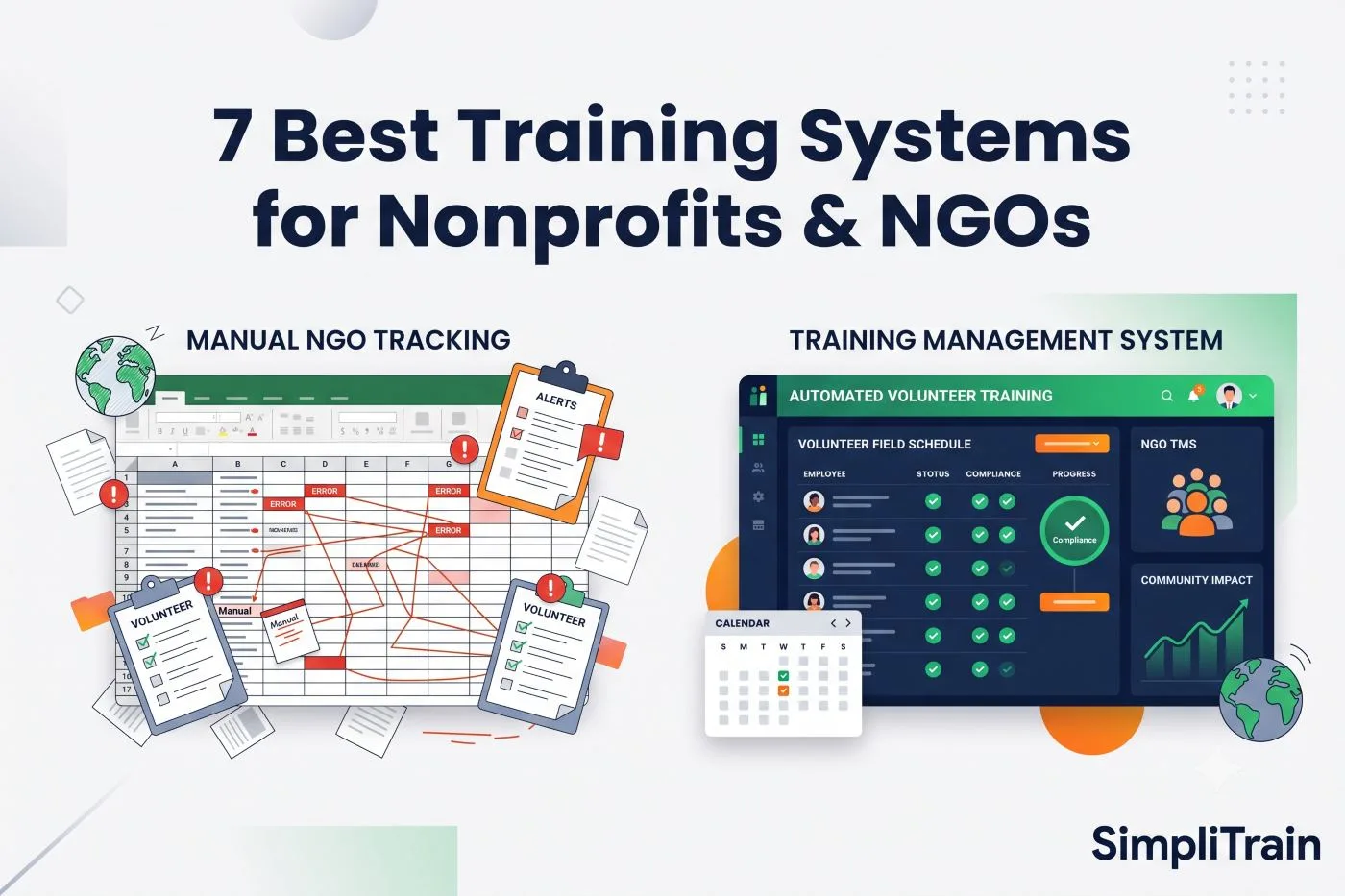





In today’s fast-paced corporate environment, efficient training management is no longer a luxury, it’s a necessity. The ability to plan, deliver, and track training initiatives with precision is critical for driving organizational growth, enhancing workforce performance, and staying ahead in a competitive market.
One market research estimate puts the global training management system market at $8.4 billion in 2025, projected to reach $21.6 billion by 2034 as more organizations move away from spreadsheets and disconnected tools toward centralized platforms.
But what exactly is a Training Management System (TMS)? How does it work, how is it different from a Learning Management System (LMS), and does your organization actually need one? Let’s break it down.
What Is Training Management?
Training management refers to the systematic planning, coordination, execution, and monitoring of training programs within an organization. The goal is to build employee skills, improve competencies, and support professional growth. In practice, this covers five ongoing activities:
- Identifying training needs: figuring out which skills gaps actually exist before building any content, typically through a structured training needs analysis.
- Designing tailored learning experiences: building courses and materials that match how a specific audience learns, increasingly with the help of AI-assisted course authoring.
- Managing delivery schedules: coordinating sessions, instructors, rooms, and calendars, especially once you’re running more than a handful of classes a month via a dedicated training scheduling system.
- Tracking participant progress: monitoring attendance, completion, and skill development over time through skill tracking tools.
- Measuring training effectiveness: tying training activity back to real outcomes using the metrics that actually matter, not just completion rates.
Doing all of this manually, across spreadsheets, email threads, and disconnected tools, becomes unmanageable as training volume grows. That’s where a Training Management System comes in.
What Is a Training Management System (TMS)?
A Training Management System (TMS) is a centralized software platform designed to manage the logistics, administration, and performance tracking of training programs. Often described as the backbone of corporate training operations, a TMS gives training teams one system of record instead of a patchwork of spreadsheets, calendars, and inboxes.
Core Functions of a TMS
- Training session scheduling and calendar management
- Resource and instructor management: availability, certifications, and utilization
- Online registration and enrollment
- Attendance tracking and automation for both in-person and virtual sessions
- Reporting and performance analytics across instructors, cohorts, and locations
By consolidating these functions into one interface, a TMS enables seamless training delivery and eliminates the double data entry that comes from juggling separate tools for scheduling, registration, and reporting.
TMS vs. LMS: What’s the Difference?
This is the single most common point of confusion for teams new to training software. In short: a TMS manages the operational side of training (scheduling, instructors, logistics, compliance tracking), while an LMS delivers and tracks the learning content itself (courses, quizzes, completions).
| Aspect | Training Management System (TMS) | Learning Management System (LMS) |
|---|---|---|
| Primary focus | Operations: scheduling, instructors, logistics, resources | Content delivery: courses, assessments, learner progress |
| Best suited for | Instructor-led (ILT) and virtual instructor-led (vILT) training | Self-paced eLearning and structured course catalogs |
| Typical users | Training operations teams, training providers, compliance managers | L&D teams, learners, instructional designers |
| Core output | Filled classes, utilized instructors, audit-ready records | Completed courses, quiz scores, certifications |
Many organizations need both, which is why platforms like SimpliTrain combine TMS and LMS functionality natively instead of forcing teams to buy, integrate, and maintain two separate systems. For a deeper breakdown, see our full LMS vs. TMS comparison.
How a TMS Simplifies Training Coordination
One of the biggest advantages of using a TMS is its ability to streamline training coordination. In organizations running multiple training initiatives across different teams or regions, manually managing these can lead to scheduling conflicts, miscommunication, and inefficiencies.
A corporate training management system eliminates these challenges by centralizing:
- Training calendars
- Instructor availability
- Venue and resource allocation across locations
- Learner communications and reminders
With automated reminders, rule-based triggers, and real-time dashboards, a TMS helps ensure that the right people receive the right training at the right time, without logistical headaches.
How Much Time and Cost Can a TMS Save?
Repetitive administrative tasks, sending confirmation emails, generating attendance sheets, compiling post-training reports, consume countless hours for training teams. A TMS automates these tasks, freeing up time for higher-impact work like content development, learner engagement, and strategic planning.
Key Time-Saving Features of a TMS
- Automated notifications and reminders
- Self-service registration portals
- One-click report generation
- Integration with HR systems and Learning Management System (LMS) platforms
- Custom workflows and approval processes
Beyond time savings, organizations scaling their training programs or managing compliance training use a TMS to reduce administrative overhead, improve data accuracy for audits, and support global or multi-location operations without adding headcount at the same rate as training volume.
Who Uses a Training Management System?
TMS platforms serve a few distinct types of organizations, each with slightly different priorities:
- Professional training companies: businesses whose core revenue comes from delivering training, where scheduling efficiency and instructor utilization directly affect margin.
- Enterprise L&D teams: internal teams running instructor-led programs at scale, often alongside an existing corporate LMS.
- Multi-location and franchise networks: organizations standardizing training quality across sites via a multi-tenant TMS.
- Government and public sector bodies: agencies with strict compliance and audit-trail requirements for training records.
Why SimpliTrain Outperforms Traditional TMS Platforms
What sets SimpliTrain apart from traditional TMS platforms is its unified approach, merging the power of a Training Management System with the advanced capabilities of a Learning Management System and Learning Experience Platform. You can read more about that evolution in From LMS to LXP.
Unlike standalone systems that only manage logistics, SimpliTrain delivers an end-to-end solution supporting personalized learning paths, blended learning, real-time analytics, and integration with the rest of your enterprise stack.
Its intuitive interface, automation-first design, and scalability make it a fit for both small training teams and enterprise-level rollouts. With SimpliTrain, organizations don’t just manage training, they accelerate performance, engagement, and outcomes at every stage of the learning journey.
Ready to transform your training management operations? Book a demo or see pricing to get started with SimpliTrain.