Training teams that automate their operations aren’t just saving a few minutes here and there. Research cited by McKinsey estimates that 60% of employees could save roughly 30% of their time through workflow automation, time that, for a training function, usually goes straight back into content quality, coaching, and program design instead of manual coordination. If your team is still running scheduling, enrollment, and reporting by hand, that 30% is very likely sitting in your calendar right now, in the hours spent matching trainers to sessions, chasing attendance, and rebuilding compliance reports from scratch. Here’s a practical, step-by-step approach to getting it back.
What Counts as “Automating” Your Training Function?
Automation in a training context isn’t limited to course delivery. It spans the entire training lifecycle: identifying needs, enrolling learners, scheduling sessions, sending reminders, tracking progress, collecting feedback, and reporting on compliance. Each of these can be automated individually with separate point tools, but when scheduling, content delivery, tracking, and reporting all live on a single unified platform combining training management (TMS) and learning management (LMS) capabilities, automation touches every stage without requiring a separate integration for each one. That distinction matters more as you work through the steps below.
10 Steps to Automate Your Training Function
1. Identify Your Training Needs and Bottlenecks First
Before automating anything, map out where time actually goes. Look at skill gaps, compliance requirements, and strategic priorities, but also track where your team’s hours disappear day to day. Automating a process that isn’t actually a bottleneck wastes effort; automating the one consuming a full-time coordinator’s week is where the return is immediate.
2. Customize Content to Match Real Skill Gaps
Generic, one-size-fits-all training content is one of the biggest hidden time costs, since it drives rework and re-training later. Modular, customizable content that maps directly to the skill gaps identified in step one reduces both development time and the need for follow-up sessions.
3. Automate Course Enrollment
Manual enrollment, matching the right employees to the right courses by hand, is repetitive and error-prone at any real scale. Rule-based automated enrollment (by role, department, or certification status) ensures the right people are assigned the right training without someone checking a list every week.
4. Automate Reminders and Notifications
Low attendance is rarely about disinterest, it’s often just a missed reminder. Automated notifications ahead of sessions, plus follow-ups for anyone who hasn’t completed required compliance training, consistently improve completion rates without adding headcount to chase people down.
5. Automate Scheduling and Delivery
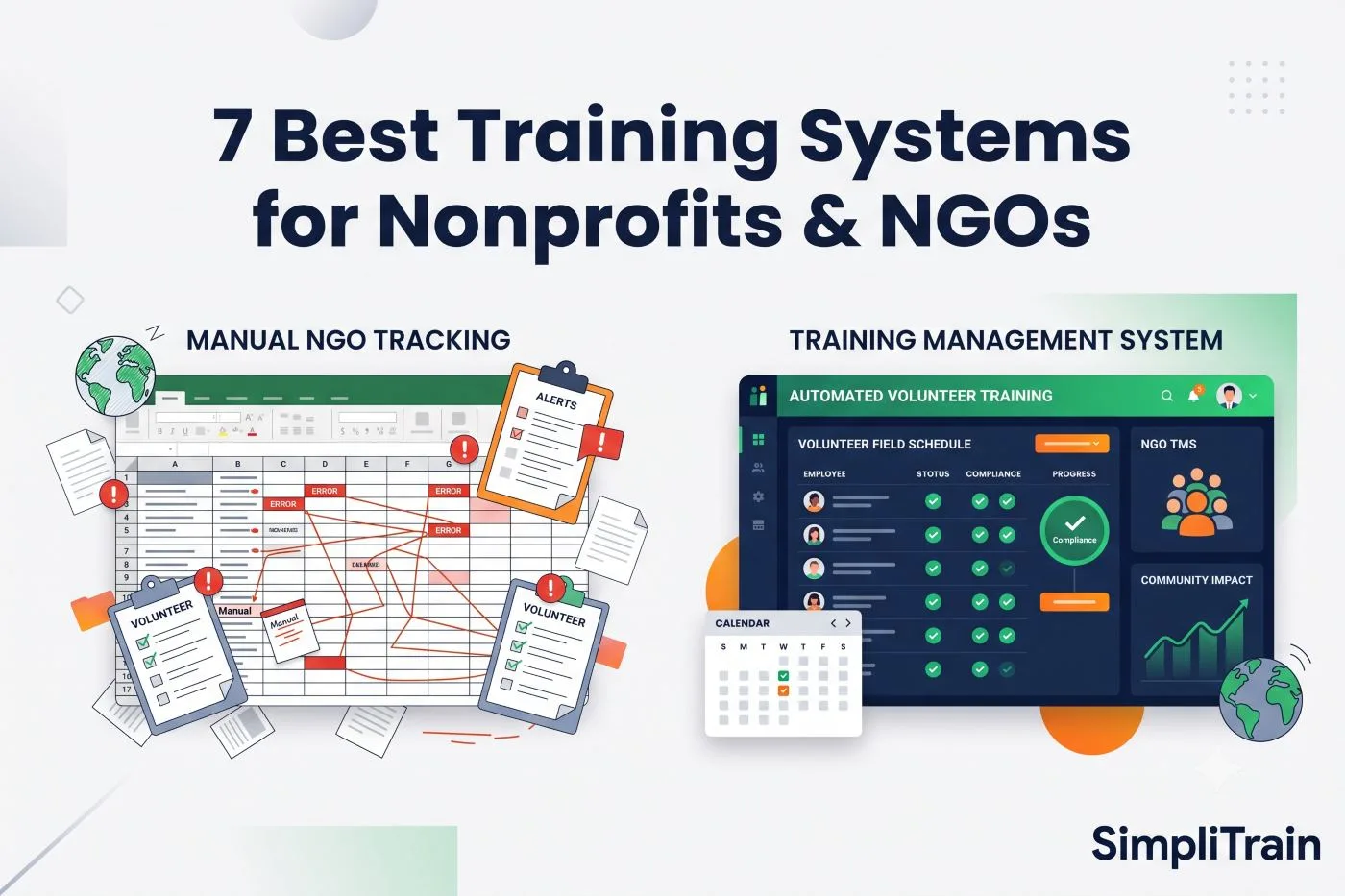
This is often the single biggest time sink in a training function, and it’s worth walking through why. Picture a training coordinator managing ten trainers with different skills, certifications, and availability across three client accounts. A client emails asking for a specific skill delivered on a specific date next week. Answering that one request means manually cross-referencing a spreadsheet for who has that skill, who’s free that day, who’s already overbooked, and who’s contractually tied to a different client that week. Multiply that by a dozen requests a week and the coordination alone can occupy a full-time role that produces no training content at all. Automated scheduling that matches trainer skills and availability to session requirements turns that lookup into seconds instead of an afternoon, and lets self-paced learners access content whenever suits them.
6. Track Progress with Centralized Analytics
Completion rates, quiz scores, and learner feedback scattered across separate tools make it hard to see what’s actually working. Centralizing these into one dashboard, using the metrics that actually matter rather than vanity numbers, turns tracking into a source of insight instead of a reporting chore.
7. Collect Feedback and Iterate Systematically
Built-in surveys and feedback forms, triggered automatically after a session or course, generate a steady stream of input without extra manual outreach. The key is closing the loop: feeding that feedback back into content updates on a regular cadence rather than letting it accumulate unused.
8. Integrate with Your Existing HR and Business Systems
Automation inside your training platform only goes so far if data still has to be manually copied in and out of your HRIS or CRM. Syncing employee records, role changes, and certifications automatically prevents the two most common failure points: new hires missing onboarding training, and former employees retaining access after they’ve left.
9. Automate Compliance Reporting and Documentation
For regulated industries like healthcare, aviation, and financial services, proving compliance shouldn’t mean reconstructing records from scattered spreadsheets before an audit. Consider a healthcare provider tracking mandatory re-certifications for dozens of clinical staff by spreadsheet: a single missed renewal date isn’t just an administrative slip, it can mean a staff member is technically uncertified to perform their role until someone catches the gap, sometimes only during the audit itself. Automated, audit-ready reporting on completions, certifications, and re-certification deadlines turns that recurring fire drill into a report generated in a few clicks, flags upcoming expirations before they lapse, and makes it far easier to calculate the actual ROI of a training program rather than just its cost.
10. Build a Culture of Continuous Improvement
Automation isn’t a one-time project. The data generated by the steps above, completion trends, feedback patterns, compliance gaps, should feed back into how training is planned and adjusted, so the system keeps improving instead of quietly going stale a year after setup.
What Not to Automate (Yet)
Automation is a poor fit for a few parts of the job, and pretending otherwise leads to worse training, not faster training. Instructional design still requires a human to decide how a concept should be sequenced, which examples will actually land with a specific audience, and where a learner is likely to get confused, judgment calls that current tools can’t reliably make on their own. Coaching conversations and performance feedback that require reading tone and context also don’t automate well; a system can flag that someone is struggling, but a manager or trainer still needs to have that conversation. And final review of compliance-critical content should stay human, since an error in automatically generated material carries real regulatory risk. Automating the logistics around training frees up time for exactly this kind of higher-judgment work, it doesn’t replace the need for it.
Where to Start If You Can Only Automate One Thing
| If your biggest pain point is… | Start with… |
|---|---|
| A coordinator spending most of their week on scheduling | Step 5: Automated scheduling and delivery |
| Missed or late compliance training | Steps 4 and 9: Automated reminders and compliance reporting |
| No visibility into what’s working | Step 6: Centralized progress tracking |
| Disconnected data between HR and training records | Step 8: HRIS and system integration |
SimpliTrain combines training scheduling, delivery, tracking, and compliance reporting in one platform, so automating your training function doesn’t mean stitching together five separate tools. Book a demo to see which of these steps you could automate first.